Install Infinity Conky in Ubuntu/Linux Mint/Other Ubuntu based distributions/Fedora/Debian
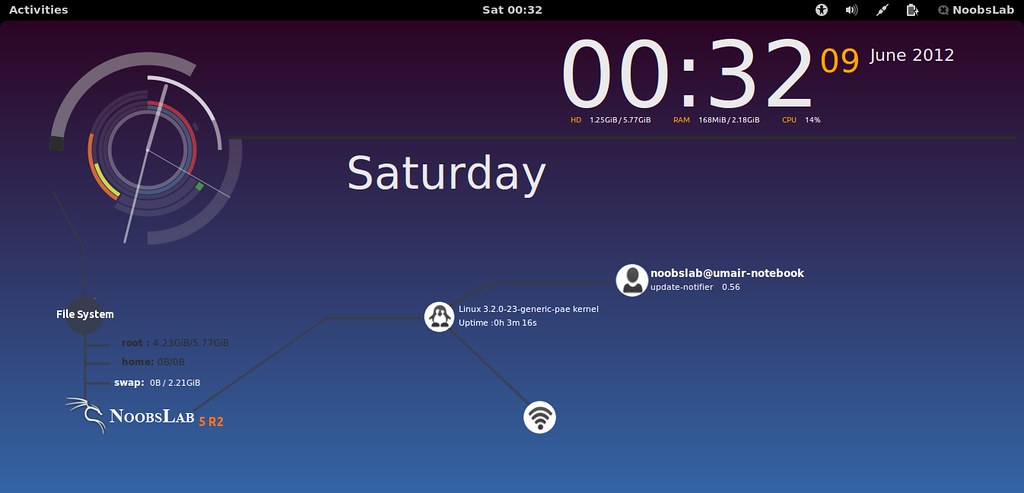
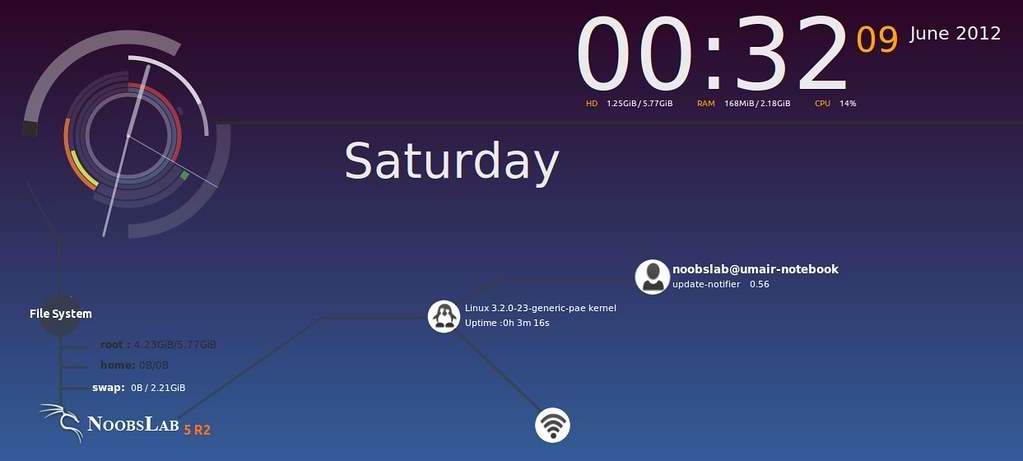
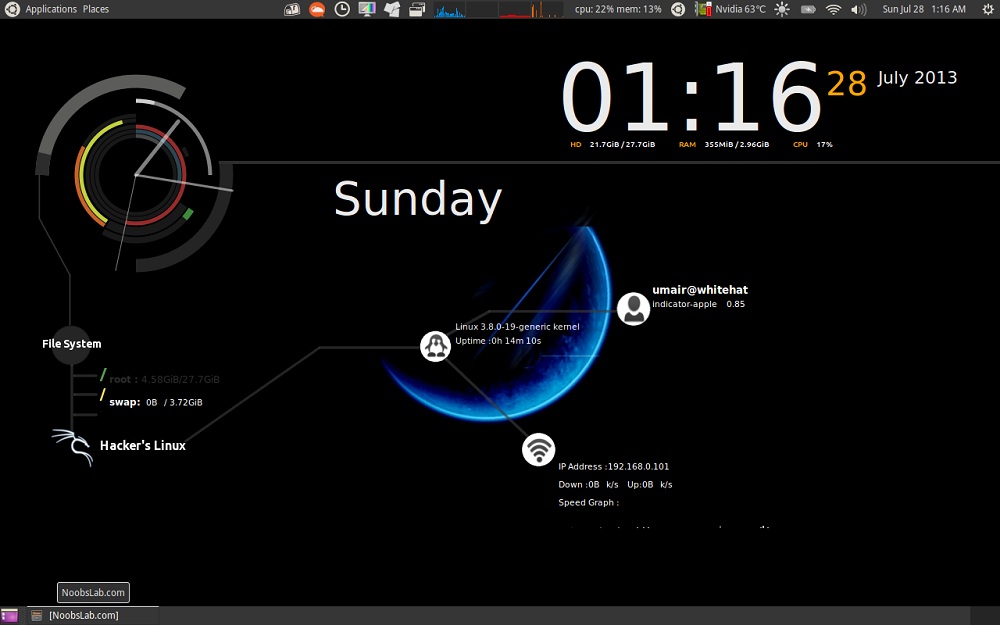
This conky is most famous among conky lovers. We did some modification in this conky and now it is available for use. This conky works on all environments: Unity, XFCE, Mate, Gnome Classic and also added support by NoobsLab for Gnome Shell, Cinnamon, Unity, Gnome Classic, Mate and others. It shows CPU & Memory usage,Date day & Time, Very cool analog clock, HDD and swap usage, Net information (IP, Upload and Download speed), Logged user info and top running process and Kernel + Uptime info.

Installation methods: wget method or PPA method

Install Conky in Ubuntu/Linux Mint open terminal (Press Ctrl+Alt+T) and copy the following commands in the Terminal:
First of all Download Startup script with following commands:
Now open Startup Applications > click Add > New Dialog box will open click on Browse > Now (Press Ctrl+H) see following screenshot.

>> Infinity Conky for Ethernet
To Install Infinity-Conky open Terminal and enter following commands:
>> Infinity Conky for Wifi
To Install Infinity-Conky open Terminal and enter following commands:
>> If gadget doesn't fit in your screen, you can change size in line 43 (minimum_size).
Enter Following command to open file in text editor and change size:
 What's new:
To install Infinity-conky in Ubuntu 13.10/13.04/12.10/12.04/Mint 15/14/13 open Terminal (Press Ctrl+Alt+T) and copy the following commands in the Terminal:
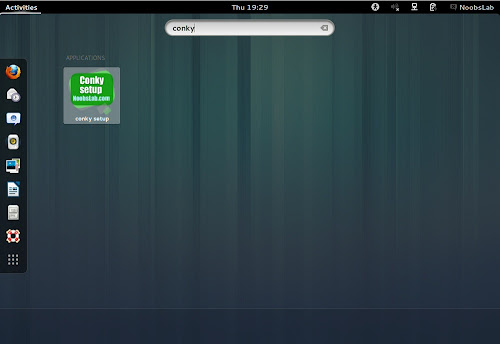
After installation logout and login back then must open "conky setup" from menu and setup your conky by following instructions then again logout and login back.
Note for Debian: In order to add PPA first you need to install package python-software-properties.
To install Infinity-Conky in Previous Ubuntu/Linux Mint/Debian/and related Ubuntu derivatives open Terminal (Press Ctrl+Alt+T) and copy the following commands in the Terminal:
To uninstall use following command in Terminal:
That's it
This conky is most famous among conky lovers. We did some modification in this conky and now it is available for use. This conky works on all environments: Unity, XFCE, Mate, Gnome Classic and also added support by NoobsLab for Gnome Shell, Cinnamon, Unity, Gnome Classic, Mate and others. It shows CPU & Memory usage,Date day & Time, Very cool analog clock, HDD and swap usage, Net information (IP, Upload and Download speed), Logged user info and top running process and Kernel + Uptime info.
Installation methods: wget method or PPA method
1) wget Installation Method (Works with all Linux Distributions):
Install Conky in Ubuntu/Linux Mint open terminal (Press Ctrl+Alt+T) and copy the following commands in the Terminal:
First of all Download Startup script with following commands:
Now open Startup Applications > click Add > New Dialog box will open click on Browse > Now (Press Ctrl+H) see following screenshot.

>> Infinity Conky for Ethernet
To Install Infinity-Conky open Terminal and enter following commands:
>> Infinity Conky for Wifi
To Install Infinity-Conky open Terminal and enter following commands:
>> If gadget doesn't fit in your screen, you can change size in line 43 (minimum_size).
Enter Following command to open file in text editor and change size:
2) PPA Installation Method:
- Automatically adds to start-up.
- Easily Adjust conky screen size by running conky setup form menu.
- Works in all environments, options to choose between environment.
- Added option to choose between Ethernet and WiFi
To install Infinity-conky in Ubuntu 13.10/13.04/12.10/12.04/Mint 15/14/13 open Terminal (Press Ctrl+Alt+T) and copy the following commands in the Terminal:

Note for Debian: In order to add PPA first you need to install package python-software-properties.
To install Infinity-Conky in Previous Ubuntu/Linux Mint/Debian/and related Ubuntu derivatives open Terminal (Press Ctrl+Alt+T) and copy the following commands in the Terminal:
To uninstall use following command in Terminal:
Source: Conky Infinity