Install Curlew Multi-Converter in Ubuntu 13.04/12.10/12.04/11.10/11.04/10.10/10.04/Linux Mint/Any Ubuntu based Distro (New Release)
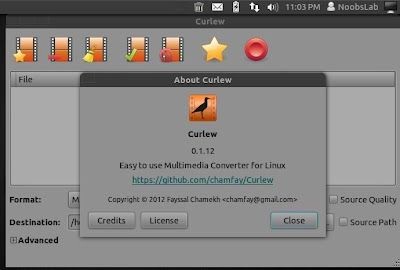
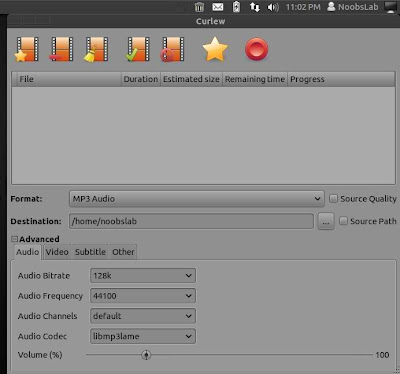
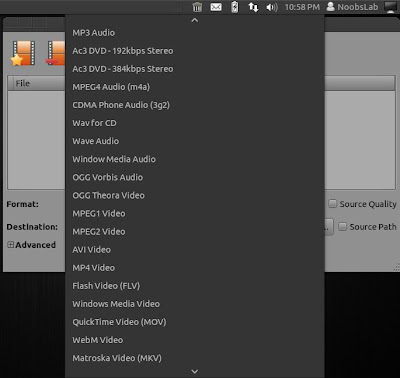
Curlew is multi-converter tool, it is based on ffmpeg. Curlew is easy to use, free and open-source multimedia converter for Linux. Curlew converter can convert to over 117 different formats.
New in this Version:
Curlew is multi-converter tool, it is based on ffmpeg. Curlew is easy to use, free and open-source multimedia converter for Linux. Curlew converter can convert to over 117 different formats.


New in this Version:
- Added tool-tip information about the file when cursor moved over it.
- Added subtitle delay option, can be negative value.
- Added Matroska format (mkv container with libvorbis and libvpx).
- Added double-click in the tree-view (if empty) to add new file(s).
- Saved last used font name.
- Removed duplicated formats (vcd, dvd, svcd).
- Removed version number from title bar.