Install Tools to change icons: Gnome-Tweak-Tool, Ubuntu-Tweak
Malys UniBlue Icons


To install Malys-Uniblue-Icons on Ubuntu/Mint open Terminal (Press Ctrl+Alt+T) and copy the following commands in the Terminal:
Malys UniBlack Icons


To install Malys-UniBlack-Icons on Ubuntu/Mint open Terminal (Press Ctrl+Alt+T) and copy the following commands in the Terminal:
That's it
Malys UniBlue Icons
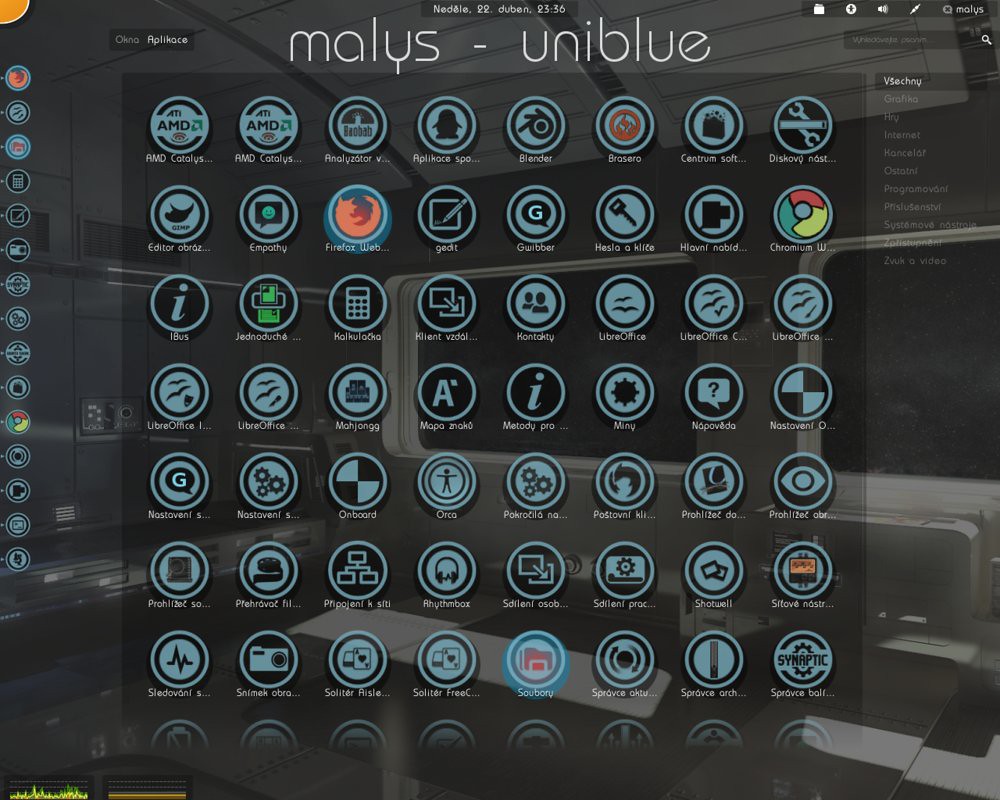
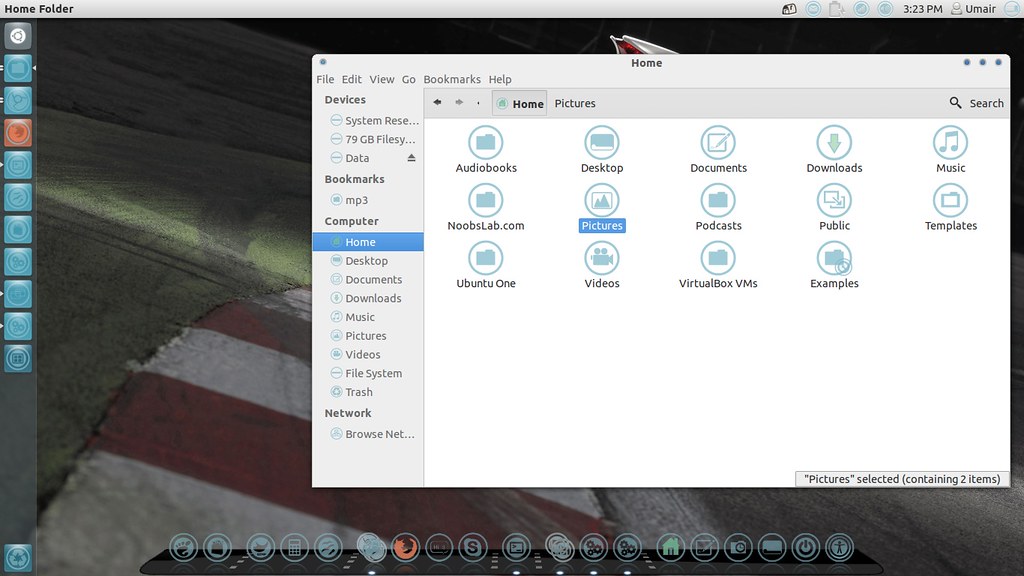
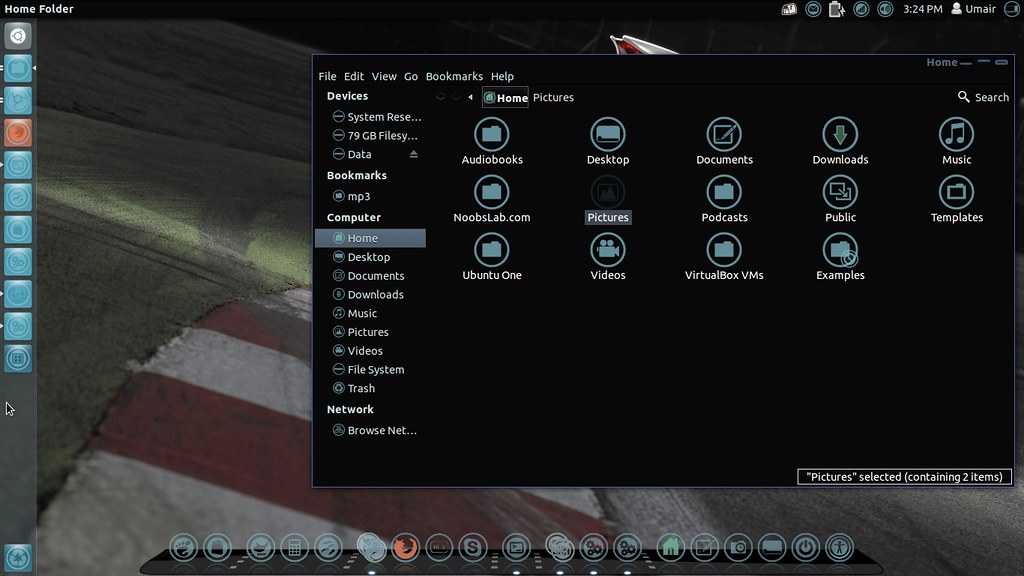
To install Malys-Uniblue-Icons on Ubuntu/Mint open Terminal (Press Ctrl+Alt+T) and copy the following commands in the Terminal:
Malys UniBlack Icons
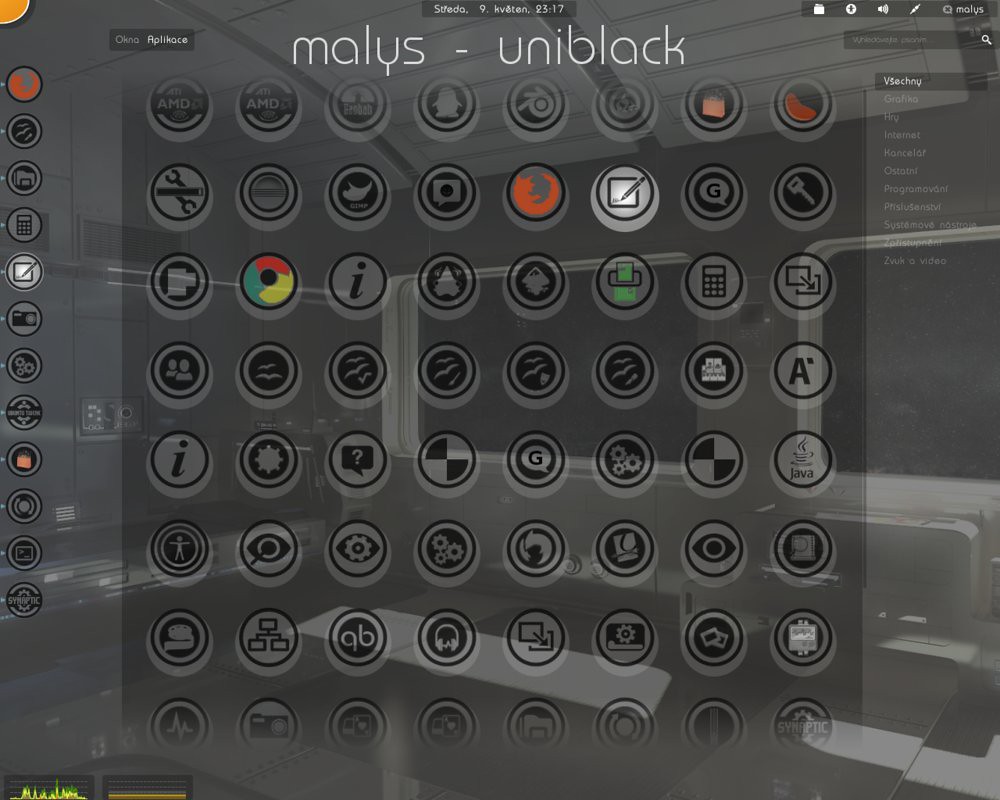
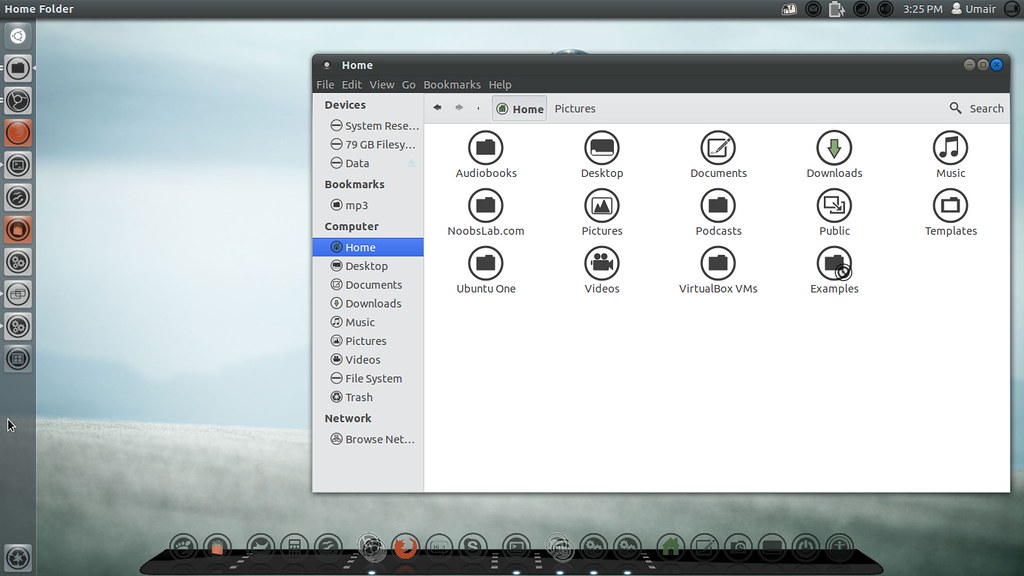
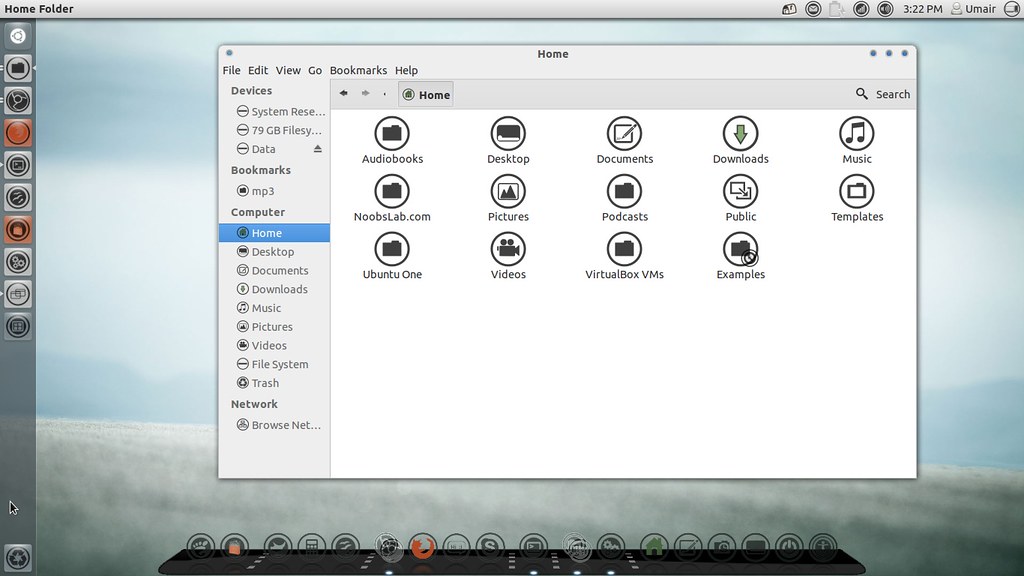
To install Malys-UniBlack-Icons on Ubuntu/Mint open Terminal (Press Ctrl+Alt+T) and copy the following commands in the Terminal:
Sources: Malys-UniBlack, Malys-UniBlue